How I Finally Got Microsoft Graph Email Integration Working with NestJS and Microsoft 365 | Hardik Kanajariya
How I Finally Got Microsoft Graph Email Integration Working with NestJS and Microsoft 365
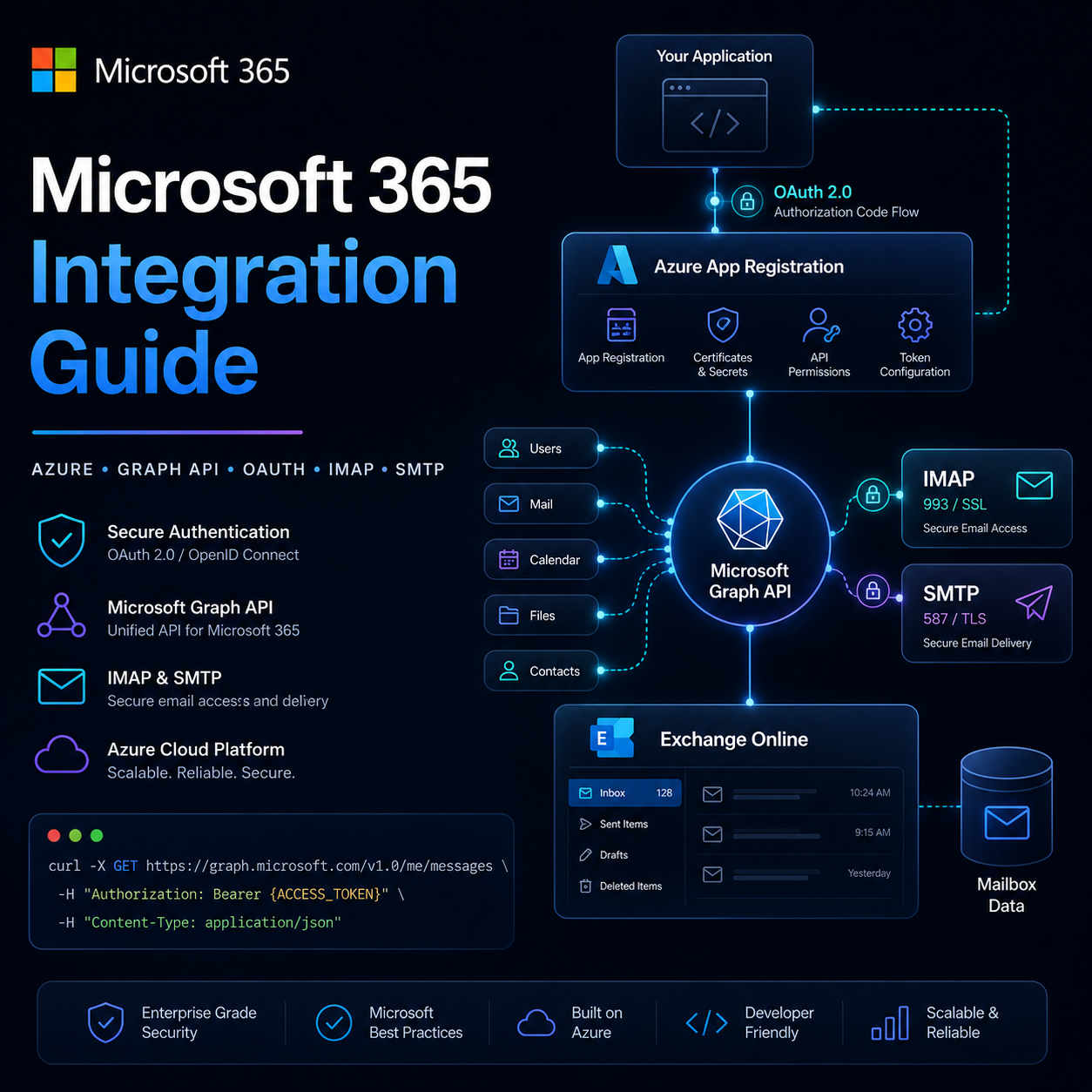
Building a Microsoft Graph email integration with NestJS sounds simple until OAuth, Azure App Registrations, Outlook accounts, and Exchange Online get involved. Here's the complete journey from authentication failures to a fully working Microsoft 365 email integration.
Backend Development
Jun 10, 2026
Building email integrations sounds simple until you actually start connecting Microsoft Graph, Azure App Registrations, Outlook accounts, OAuth flows, and Exchange mailboxes together.
Recently, while building an email platform prototype in NestJS, I spent several hours debugging Microsoft Graph authentication issues. The interesting part was that authentication worked perfectly, user profile endpoints worked, but mailbox APIs kept returning 401 Unauthorized.
After multiple Azure configuration changes, token inspections, and Graph API tests, I finally identified the root cause and got everything working.
In this article, I'll walk through the exact process from start to finish.
Project Goal
The goal was straightforward:
Connect a Microsoft account using OAuth
Read emails using Microsoft Graph
Send emails through Graph API
Build the foundation of a custom email client
The backend stack was:
NestJS
TypeScript
Microsoft Graph API
Azure App Registration
OAuth 2.0 Authorization Code Flow
Step 1: Create an Azure App Registration
Inside Azure Portal:
Microsoft Entra ID
→ App Registrations
→ New Registration
I created a new application and configured a redirect URI:
http://localhost:3000/mail/outlook/callback
The application generated:
Client ID
Tenant ID
Next, I created a Client Secret from:
Certificates & Secrets
→ New Client Secret
These values were added to the NestJS environment configuration:
Since this was a prototype project, I intentionally avoided unnecessary complexity.
Instead of storing OAuth tokens in a database:
PostgreSQL
Token Tables
User Mapping
I used a simpler approach:
Refresh Token
↓
Store in .env
↓
Generate Access Tokens Automatically
Benefits:
Faster development
Easier debugging
No database dependency
Perfect for local prototypes
For production applications, token storage should be handled securely in a database or dedicated secrets manager.
Lessons Learned
The biggest lessons from this implementation were:
OAuth success does not guarantee mailbox access.
Always inspect the token scopes.
Use a proper Microsoft 365 business mailbox when testing Graph email APIs.
Grant admin consent after adding permissions.
Verify redirect URIs carefully.
For prototypes, keep token management simple.
When debugging Graph, test /me before testing mailbox endpoints.
Final Thoughts
Microsoft Graph is incredibly powerful once configured correctly. The challenge is usually not the API itself, but understanding how Azure App Registrations, OAuth permissions, Entra ID, and Exchange Online work together.
Once the tenant, mailbox, permissions, and OAuth flow are aligned, reading emails, sending messages, syncing folders, and building custom email clients becomes surprisingly straightforward.
If you're building a NestJS application that integrates with Outlook or Microsoft 365, start with a dedicated business mailbox, keep the initial architecture simple, and verify each step independently before introducing additional complexity.
Share:
Subscribe to my newsletter
Get the latest articles, tutorials, and updates delivered straight to your inbox. No spam, unsubscribe at any time.